Physiology · Cardiovascular1 / 3
QUESTION
 FlashLockFOR MEDICAL STUDENTSGet the beta
FLASHCARDS FOR THE APPS YOU ALREADY OPEN
Bring the deck you’re studying. Review a few cards before your everyday Android apps, then carry on.
Get the Android betaInteractive example — tap to reveal. ↗
REVISION THAT FITS THE DAY YOU ACTUALLY HAVE
Create a small deck or import an Anki deck. Check answers against your course resources.
Set up a short study break before Instagram or another app you choose.
Review the answer, finish the break and return to your app.
CHOOSE MATERIAL THAT FITS YOUR COURSE
Use these as ideas for organising your own decks. Match the content to your lectures and learning objectives; these are example topics, not an included-library inventory.
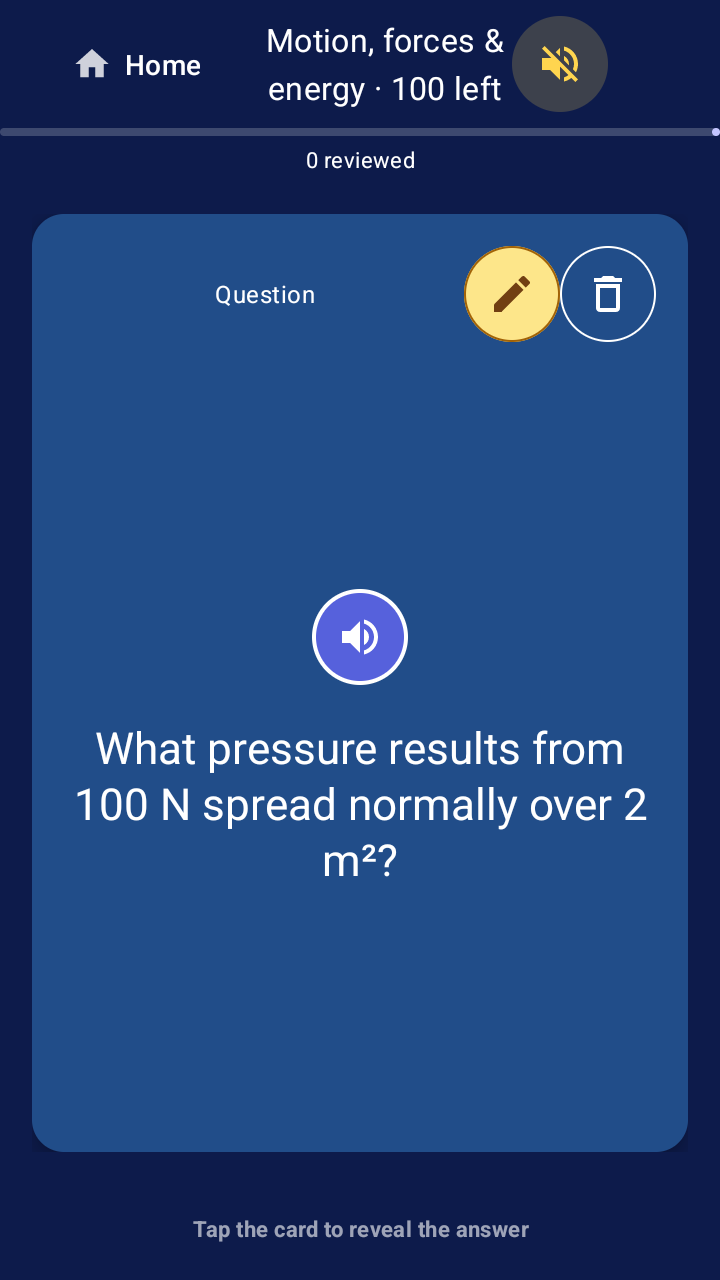
Study-screen example; appearance varies by version.
YOUR MATERIAL. YOUR PACE.
STILL THINKING
FlashLock adds a short review before selected Android apps. Importing an Anki file creates a separate FlashLock deck; that file-import route does not sync your Anki reviews.
Start with material you are studying now. Create cards or import a deck, then check its answers against your course resources. The examples on this page are not a complete medical curriculum.
Progress is saved on your phone. Community sign-in is not a FlashLock cloud-backup service. Keep a separate copy of important study material.
Check Google Play for current availability and pricing.
FlashLock is currently available for Android. There is no iPhone release or open email signup yet.
FLASHLOCK FOR ANDROID
Android beta · Choose your own study material
On iPhone?There is no iPhone release or open signup form yet.
Read the Android guides